Setting Up Family Sharing
iPhone 5
Setting Up Family Sharing
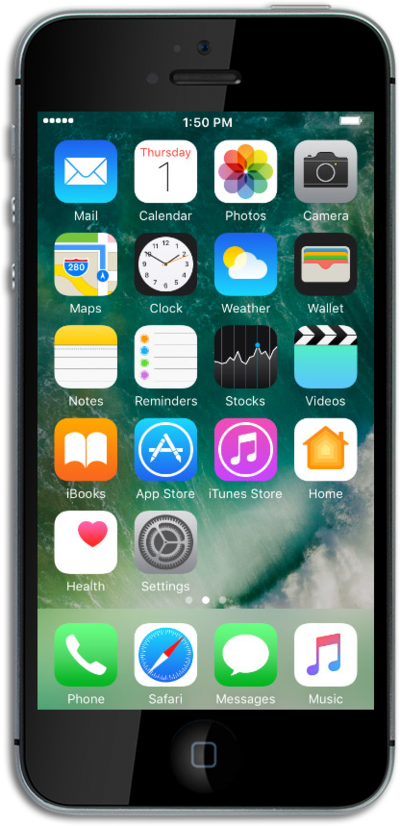
Learn how you can share app purchases made on your device with your family. Some devices may also be able to share location and music purchases.
1.
From the Home screen, tap Settings.
2.
Tap on your profile.
3.
Tap Set Up Family Sharing.
4.
Tap Get Started.
5.
Tap Continue.
6.
Tap Continue again.
7.
Tap Continue again.
8.
Select your location sharing preference.
9.
You've completed the steps!
