Adding Widgets
iPhone 5
Adding Widgets
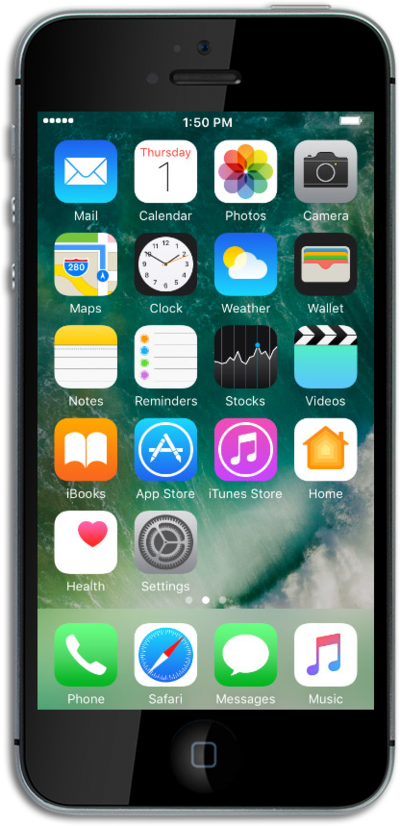
Widgets allow you to do things such as preview upcoming events, see recent emails, and get quick access to your favorite contacts. Widgets are also known as modules and help you keep important information at the tips of your fingers.
1.
From the Home screen, swipe left to display your widgets.
2.
Tap Edit.
3.
Press the Plus sign icon beside a widget you would like to add.
4.
Tap Done.
5.
You've completed the steps!
