Force restarting iPhone
iPhone 6 Plus
Force restarting iPhone
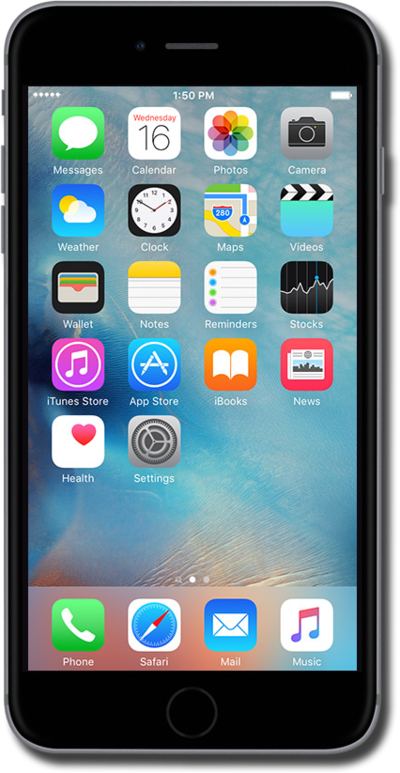
Learn how to turn your device off and back on again. Restarting your device is often the first step when troubleshooting a device issue.
1.
To restart iPhone, simultaneously press and hold the Home button and the Side button until the Apple logo appears.
You should only use this feature when iPhone isn't working correctly.
2.
You've completed the steps!
