Adding a recent call as a contact
iPhone 6 Plus
Adding a recent call as a contact
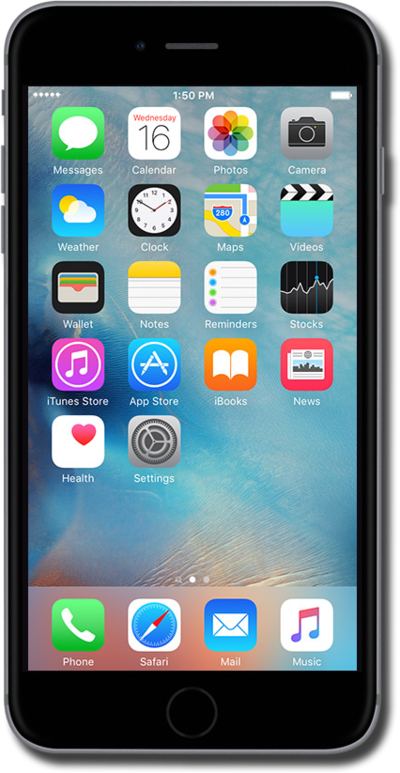
Use your saved contacts to place a call rather than typing out their number from memory.
1.
From the Home screen, tap the Phone icon.
2.
Tap Recents.
3.
Tap the Info icon next to a number.
4.
Tap Create New Contact.
5.
Enter the contact's first name.
6.
Tap the return key.
7.
Enter the contact's last name.
8.
Tap add email.
9.
Enter the contact's email address.
10.
Tap Done.
11.
You've completed the steps!
