Blocking and unblocking a contact in FaceTime
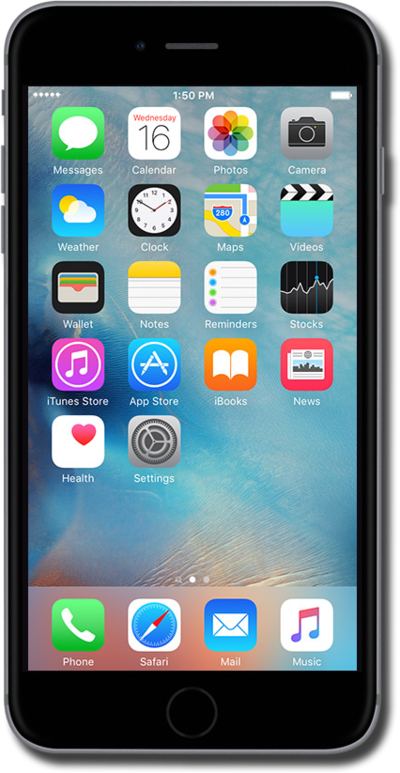
iPhone 6 Plus
Blocking and unblocking a contact in FaceTime
When you add a number or contact to your block list, they will not be able to message, call, or FaceTime you until you unblock them.
1.
From the Home screen, tap Settings.
2.
Scroll to FaceTime.
3.
Tap FaceTime.
4.
Scroll to Blocked.
5.
Tap Blocked.
6.
Tap Add New.
7.
Select the contact you'd like to block.
When a contact is blocked, you'll no longer recieve phone calls, messages, or FaceTime from them.
8.
To unblock a contact, tap Edit.
9.
Tap the Minus sign icon.
10.
Tap Unblock.
11.
You've completed the steps!
