Setting up iPad manually as a new device
Setting up iPad manually as a new device
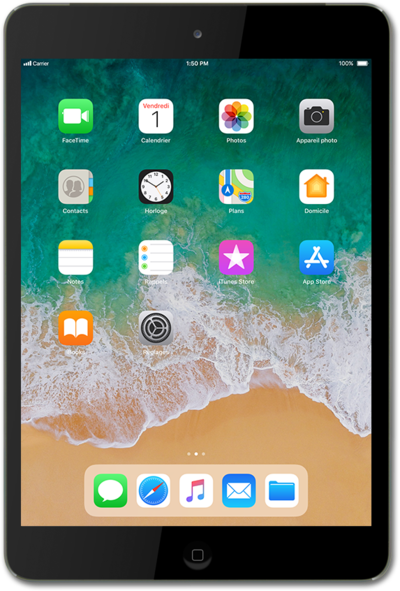
Press the Home button to get started.
Select your language.
Select your country or region.
Tap Set Up Manually.
Select a Wi-Fi network you'd like to connect to.
Wi-Fi hotspots may have security limitations. If necessary, enter a password and tap Join.
Tap Continue.
Tap Passcode Options.
Tap Don't Use Passcode.
Tap Don't Use Passcode again.
For this tutorial, we're skipping passcode security setup. You can enable passcode security, but steps may vary based on what you choose. You can also adjust your passcode preferences later in settings.
Tap Set Up as New iPad.
For this tutorial, we're showing how to manually set up iPad as a new device. You can also restore content from previous accounts or devices, but steps may vary based on what you choose.
Tap the Apple ID field.
If you don't have an Apple ID account yet, tap Don't have an Apple ID or forgot it?.
Enter your Apple ID.
Tap Next.
Enter your password.
Tap Next.
Tap Agree.
Review all terms and conditions before proceeding.
Tap Continue.
Tap Install Updates Manually.
For this tutorial, we're skipping automatic updates for iPad during setup. You can enable automatic updates, but steps may vary based on what you choose. You can also adjust your update preferences later in settings.
Tap Set Up Later in Settings.
Screen Time is a feature that creates weekly reports based off your usage behavior. You can also use Screen Time to set up parental controls for a child's device.
,For this tutorial, we're skipping Screen Time during setup. You can enable Screen Time, but steps may vary based on what you choose. You can also adjust your Screen Time preferences later in settings.
Tap Don't Share.
Enabling iPad analytics helps Apple improve its products and services.
,For this tutorial, we're skipping iPad analytics during setup. You can enable iPad analytics, but steps may vary based on what you choose. You can also adjust your iPad analytics preferences later in settings.
Tap Continue.
Tap Continue again.
Tap Continue again.
Tap Get Started to launch iPad.
You've completed the steps!
