Setting screen security
Galaxy Tab S3
Setting screen security
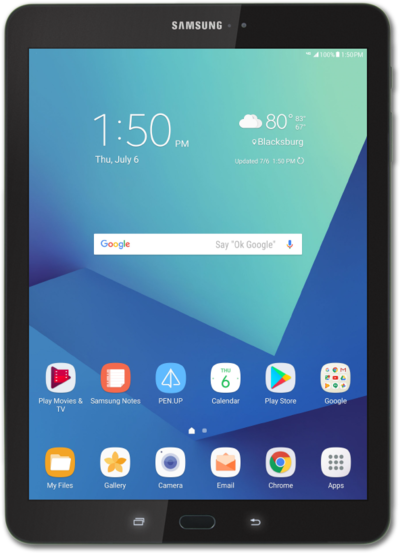
Screen locks secure your device and protect your device from being accessed by other people. Removing your security lock will allow anyone to be able to access your device. Note that if your device is requesting a PUK code, you will need to contact your carrier to unlock your device.
1.
From the Home screen, drag down the Notification panel.
2.
Tap the Settings icon.
3.
Tap Lock screen.
4.
Tap Screen lock type.
5.
Tap PIN.
For this tutorial, we're showing how to set up a PIN. You can select a different type of security, but steps may vary based on what you choose.
6.
Enter your PIN.
Your PIN must be at least 4 numbers long.
7.
Tap Continue.
8.
Confirm your PIN.
9.
Tap OK.
10.
Select a notification preference.
Tap Hide content to prevent the content of emails, texts and other notifications from appearing on the Lock screen. You'll be notified that you have a new message, but not shown what the message contains.
11.
Tap DONE.
12.
You've completed the steps!
