Using shortcuts to unlock the screen
Galaxy Tab S3
Using shortcuts to unlock the screen
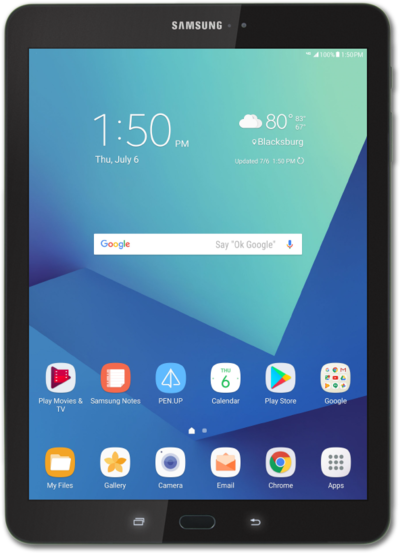
Some apps can be accessed quickly from your lock screen. You can change the apps that appear on the lock screen for quick access.
1.
Press the Power button to wake up the tablet.
2.
Drag up a shortcut to launch the app.
3.
You've completed the steps!
