Using Voice Assistant
Galaxy Tab S3
Using Voice Assistant
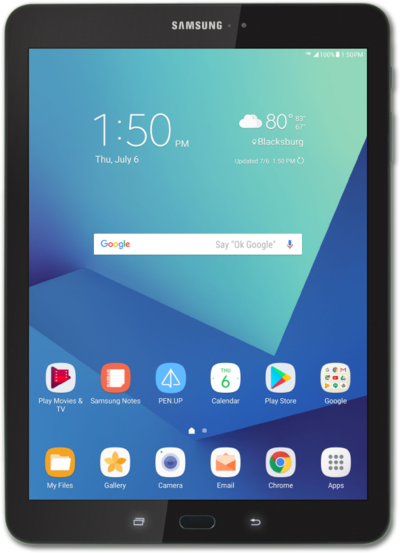
Using your Voice Assistant will let you quickly navigate your device by simply using your voice. This is a great way to avoid having to type long instructions.
1.
From the Home screen, drag down the Notification panel.
2.
Tap the Settings icon.
3.
Scroll to Accessibility.
4.
Tap Accessibility.
5.
Tap Screen reader.
6.
Tap Settings.
7.
Select your preferences.
From this screen, you can adjust Voice Assistant settings including sound volume, spoken passwords, and more.
8.
Tap the Back icon.
9.
Tap or slide the Voice Assistant switch to On.
10.
Tap Allow.
If prompted, turn off Edge panels.
11.
Tap Voice assistant
Voice Assistant will provide information on items selected.
12.
Quickly tap the screen three times to activate the selected item.
13.
Tap OK
14.
Quickly tap the screen three times to activate the selected item.
15.
You've completed the steps!
