Using a Fingerprint Lock
Using a Fingerprint Lock
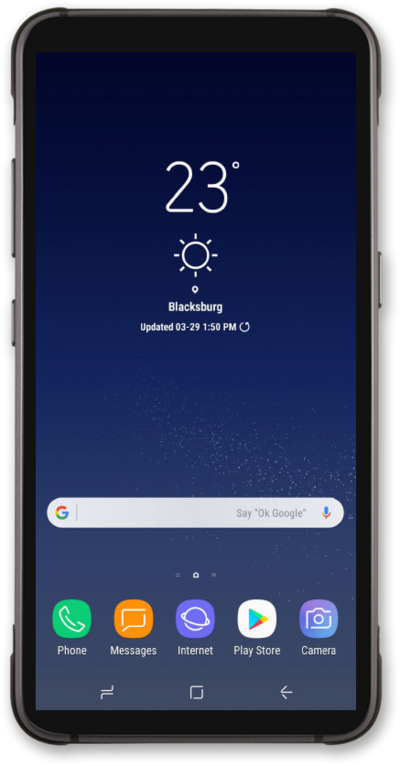
From the Home screen, drag down the Notification Panel.
Tap the Settings icon.
Tap Lock screen and security.
Tap Screen lock type.
Tap or slide the Fingerprints switch to ON.
Tap CONTINUE.
Select a backup screen lock to use with your fingerprint.
For this tutorial, we're showing how to set up a PIN. You can select a different type of security, but steps may vary based on what you choose.
Enter your PIN.
Your PIN must be at least 4 numbers long.
Tap CONTINUE.
Confirm your PIN.
Tap OK.
Tap the Fingerprint sensor on the back of your device until your fingerprint is added.
Tap DONE.
Select a notification preference.
Tap Hide content to prevent the content of emails, texts and other notifications from appearing on the Lock screen. You'll be notified that you have a new message, but not shown what the message contains.
Tap DONE.
You've completed the steps!
