Searching from the Home screen
Galaxy J7 (2017)
Searching from the Home screen
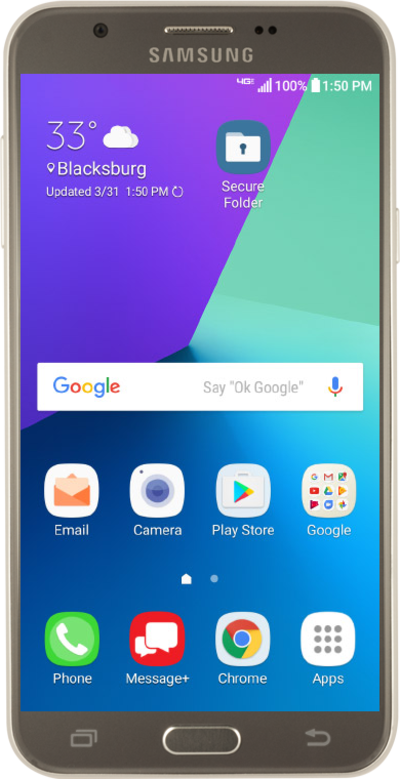
Use the Google search widget to help you find the content you're looking for. You can use the search widget just like you would the Google search bar in a web browser.
1.
From the Home screen, tap the Google search widget.
2.
Enter a search item.
As you type, matching words on your phone will be found, like contacts or apps, and Google search results.
3.
Tap the Search key.
4.
You've completed the steps!
