Using accessibility shortcuts
Galaxy J7 (2017)
Using accessibility shortcuts
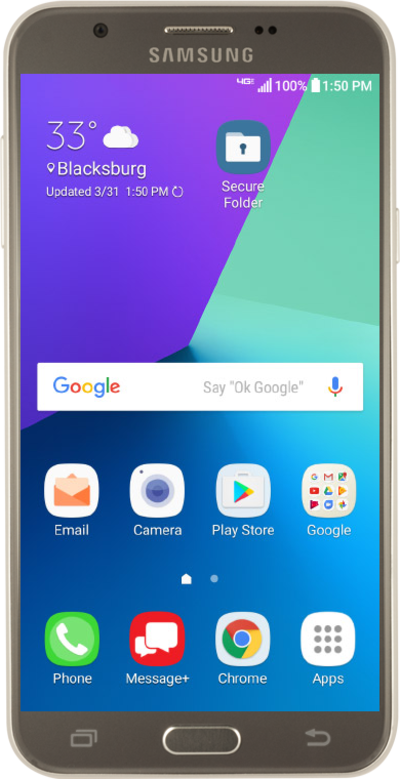
Accessibility shortcuts allow you to have direct access to certain device functions from the shortcut option. These can include swiping actions or button actions.
1.
From the Home screen, drag down the Notification panel.
2.
Tap the Settings icon.
3.
Scroll to Accessibility.
4.
Tap Accessibility.
5.
Tap Accessibility shortcut.
6.
Tap or slide the ACCESSIBILITY SHORTCUT switch to ON.
7.
Tap Shortcut service.
8.
Select your preferred shortcut service.
9.
Tap OK.
10.
Press and hold both Volume buttons for 3 seconds to activate your accessibility shortcut.
11.
Press and hold both Volume buttons for 3 seconds again to deactivate your accessibility shortcut.
12.
You've completed the steps!
