Transferring content from your old device using external storage
Galaxy J7 (2017)
Transferring content from your old device using external storage
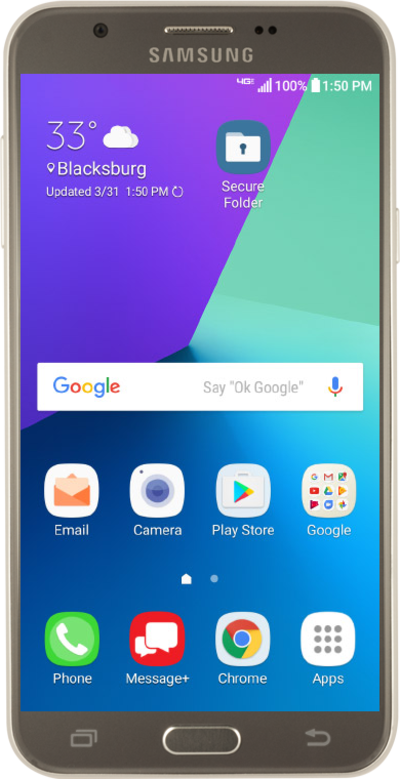
Move your pictures, videos, and other media files from your device to an external storage device to free up space on your device.
1.
From the Home screen, drag down the Notification panel.
2.
Tap the Settings icon.
3.
Scroll to Accounts.
4.
Tap Accounts.
5.
Tap Smart Switch.
If necessary, follow prompts to download Smart Switch onto your device.
6.
Tap EXTERNAL STORAGE.
7.
Tap RESTORE.
8.
Select the content you'd like to restore.
9.
Tap RESTORE.
10.
You've completed the steps!
