Using the Cover Display
Galaxy Z Flip
Using the Cover Display
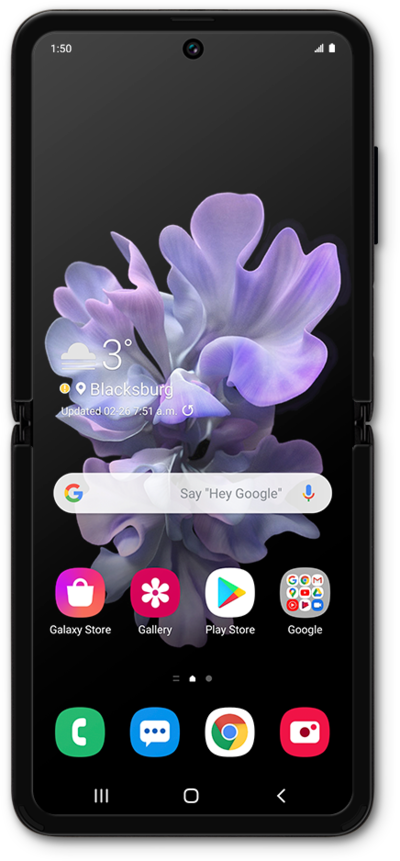
The cover display allows you to see your current notifications, battery percentage, date, and time. If you need to start an app or reply to a message, you can tap the icon on your cover display and open your device to the app or notification you chose. You can also answer or make calls without opening your phone.
1.
With your phone closed, swipe the Cover Display screen from left to right.
2.
Tap on an icon to see a notification.
3.
Tap the notification to open the corresponding application in your phone.
4.
Open your phone to view the application.
5.
You've completed the steps!
