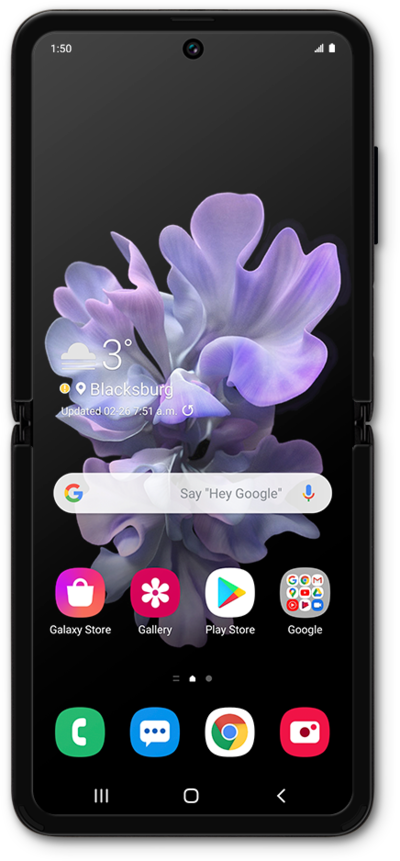
Samsung Galaxy Z Flip Device Help & How-To Guides

Samsung

Galaxy Z Flip

What would you like to learn about your device?

Trending Galaxy Z Flip topics

Restarting your phone

Learn how to turn your device off and back on again. Restarting your device is often the first step when troubleshooting a device issue.
Explore

Accessing mobile network settings

When traveling internationally, your device settings may require an update to conserve data and minimize unwanted fees. Learn how to change roaming settings on your device ahead of your next international trip, including how to enable and disable roaming. Also learn how to view the status of your Wi-Fi Pod's Internet connection.
Explore

Turning your phone on and off

Turning your device off and on is called "restarting" your device. Restarting your device is a common first step in troubleshooting any device issues. No saved information will be lost during a restart.
Explore

Common issues and fixes

Browse device topics