Using a fingerprint lock
Using a fingerprint lock
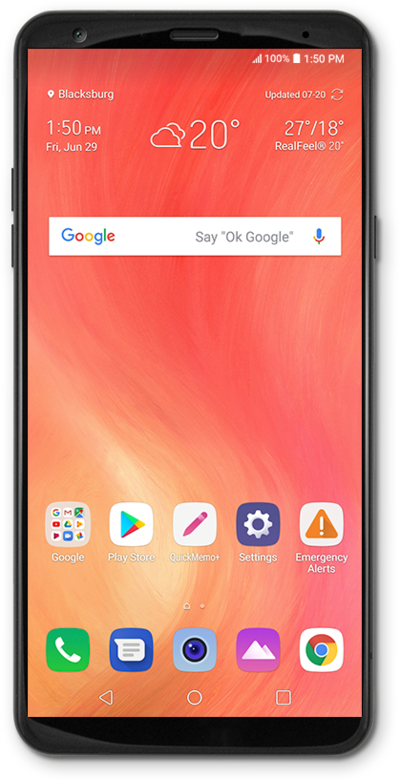
From the Home screen, drag down the Notification panel.
Tap the Settings icon.
Tap General.
Tap Lock screen & security.
Tap Fingerprints.
Tap NEXT.
Select a backup screen lock to use with your fingerprint.
For this tutorial, we're showing how to set up a PIN. You can select a different type of security, but steps may vary based on what you choose.
Select your secure start-up preference.
Tap NEXT.
Enter your PIN.
Your PIN must be at least 4 numbers long.
Tap NEXT.
Confirm your PIN.
Tap OK.
Select a notification preference.
Tap Hide sensitive notification content to prevent the content of emails, texts and other notifications from appearing on the Lock screen. You'll be notified that you have a new message, but not shown what the message contains.
Tap OK.
Repeatedly lift and rest your finger on the Fingerprint sensor.
Tap OK.
You've completed the steps!
