Using a pattern Lock
Stylo 4
Using a pattern Lock
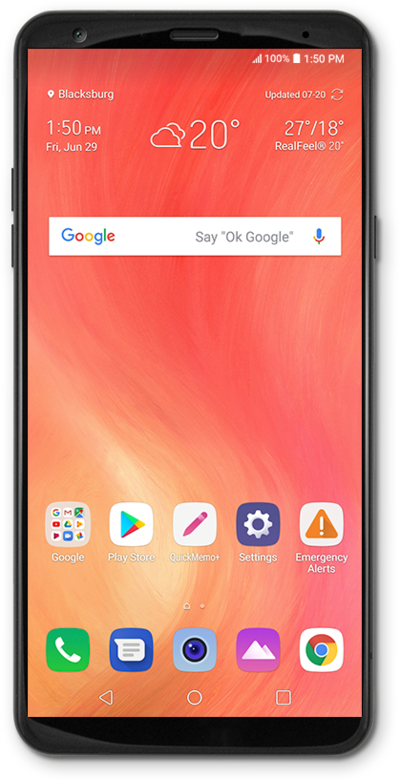
Your device can be secured using a pattern that you draw on the lock screen. No one will be able to get into your device without knowing the pattern. If you forget your pattern you will have to reset your device and you will lose any information that is not backed up.
1.
From the Home screen, drag down the Notification panel.
2.
Tap the Settings icon.
3.
Tap General.
4.
Tap Lock screen & security.
5.
Tap Select screen lock.
6.
Tap Pattern.
For this tutorial, we're showing how to set up a pattern. You can select a different type of security, but steps may vary based on what you choose.
7.
Select your secure start-up preference.
8.
Tap NEXT.
9.
Enter your pattern.
Your pattern must connect at least 4 dots.
10.
Tap NEXT.
11.
Confirm your pattern.
12.
Tap CONFIRM.
13.
Select a notification preference.
Tap Hide sensitive notification content to prevent the content of emails, texts and other notifications from appearing on the Lock screen. You'll be notified that you have a new message, but not shown what the message contains.
14.
Tap OK.
15.
You've completed the steps!
