Switching to EasyHome
V40 ThinQ
Switching to EasyHome
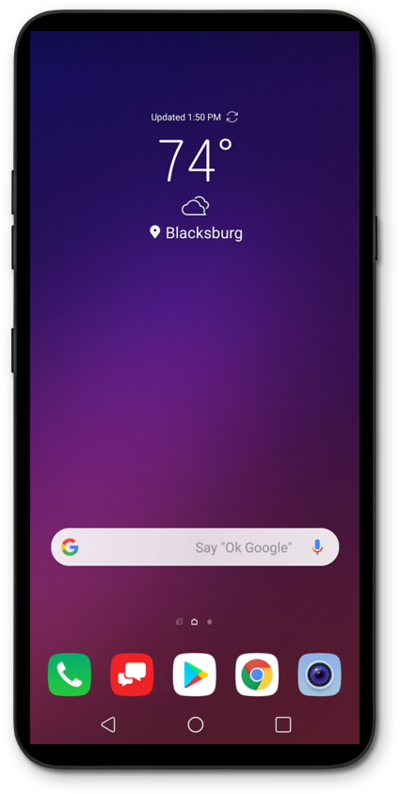
Switch to Easy mode for simplified Home screens on your device. You will be able to switch back to standard mode if you choose to do so.
1.
From the Home screen, touch and hold an empty space.
2.
Tap Home screen settings.
3.
Tap Select Home.
4.
Tap EasyHome.
5.
Tap OK.
6.
You've completed the steps!
