Sending an audio message
V40 ThinQ
Sending an audio message
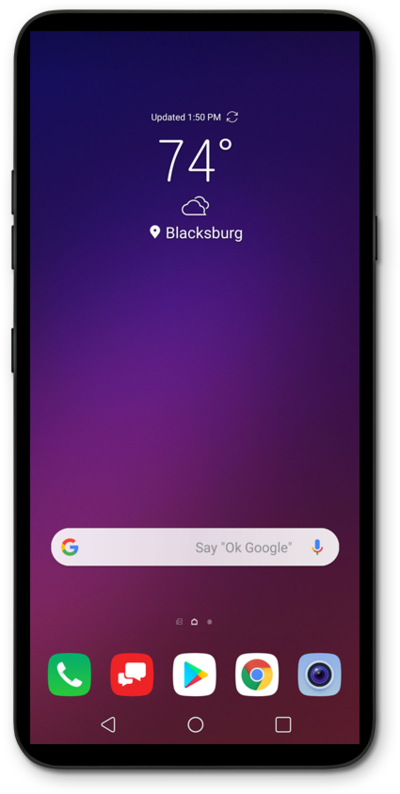
Discover how to send a text message with your voice using the speech to text feature on your device.
1.
From the Messaging app main screen, tap the Plus sign icon.
2.
Enter a contact's name.
3.
Select the contact.
4.
Tap the Enter message field.
5.
Tap and hold the Record icon to start recording your message.
If necessary, follow the onscreen prompts to give Messages the appropriate permissions.
6.
When you're finished, tap the Send icon.
7.
You've completed the steps!
