Managing the device memory
moto g7 play
Managing the device memory
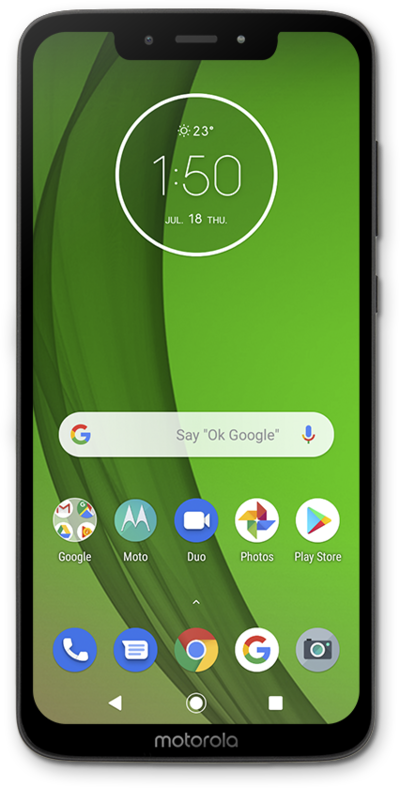
Clearing your device's memory can help improve your device's speed to make it go faster. Your device may become slow because it is low on memory.
1.
From the Home screen, swipe to Settings.
2.
Tap Settings.
3.
Tap Storage.
4.
Tap Storage Manager.
5.
Tap or slide the Use Storage manager switch to ON.
6.
Tap OK.
7.
Tap the Back icon.
Smart Storage will remove backed up photos and videos on your device when you run out of space.
8.
Tap Free up space.
From this screen you can remove recommended items from your device.
9.
Tap Select and free up.
10.
Tap the Back icon.
11.
Select a category.
12.
You've completed the steps!
