Searching the web using your voice
Galaxy Tab A 8
Searching the web using your voice
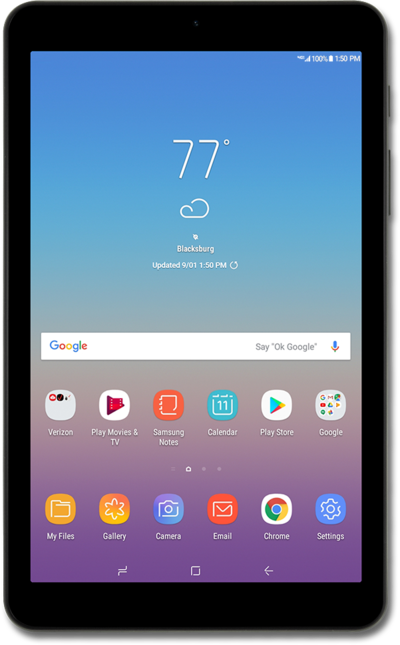
Using the Google voice assistant widget, you can ask your device to search the web for you using your voice without having to touch your device.
1.
From the Home screen, press and hold the Home button.
2.
Speak your search terms.
If the device understands your search term, your results will be displayed.
3.
You've completed the steps!
