Viewing a missed call and adding it as a contact
Viewing a missed call and adding it as a contact
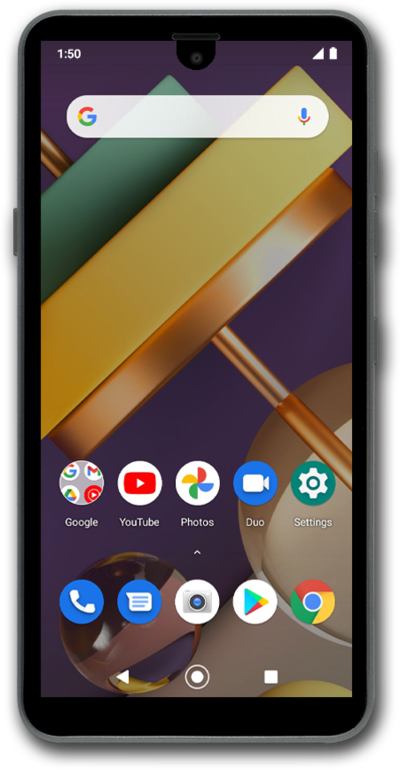
If you miss a phone call you can view it in your Recent call log. You can add it as a contact, call it back, or review the number.
1.
From the Lock screen, quickly tap Missed call twice.
Recently missed calls will appear here as notifications.
2.
Select the recent call you'd like to add as a contact.
3.
Tap the Add contact icon.
4.
Tap the First name field.
5.
Enter the contact's first name.
6.
Tap the Next key.
7.
Enter the contact's last name.
8.
Tap More details.
9.
Tap the Email field.
10.
Enter the contact's email address.
11.
Tap Save.
12.
You've completed the steps!
