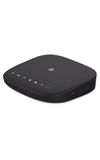
- From a device that is connected to the AT&T Wireless Internet network, open the web browser then go to http://att.wirelessinternet. Enter the Admin Login, then click Login.
Note: The default admin login is attadmin. The admin login can be found on the bottom of the device.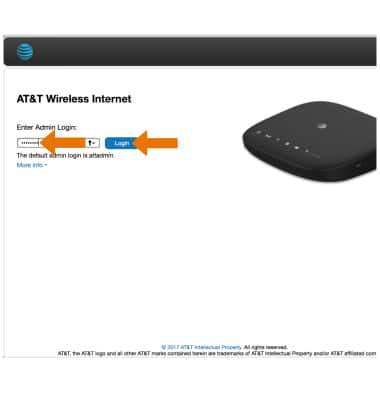
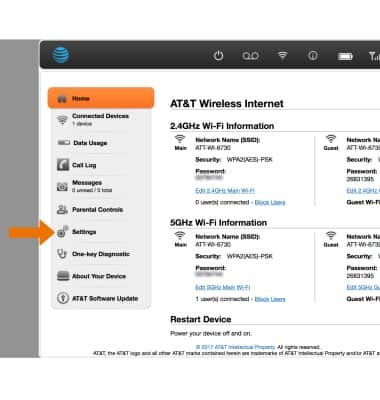
- Click Settings.
- Beside Broadcast Network Name (SSID), click Enable to show the network name or click Disable to hide the network name.
Note: Disabling the network name does not turn off Wi-Fi, but instead prevents the network from being broadcast and appearing on your connected devices's Wi-Fi network list when scanning.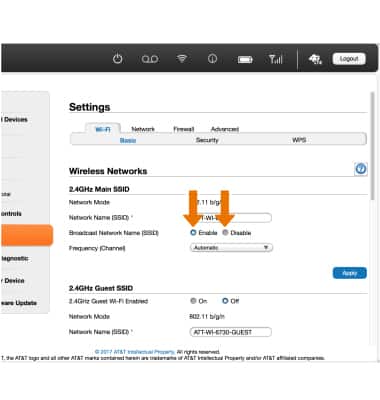
Turn Wi-Fi On & Off
AT&T Wireless Internet (MF279)
Turn Wi-Fi On & Off
Turn Wi-Fi on and off.
INSTRUCTIONS & INFO