Apple iPhone 7 Device Help & How-To Guides
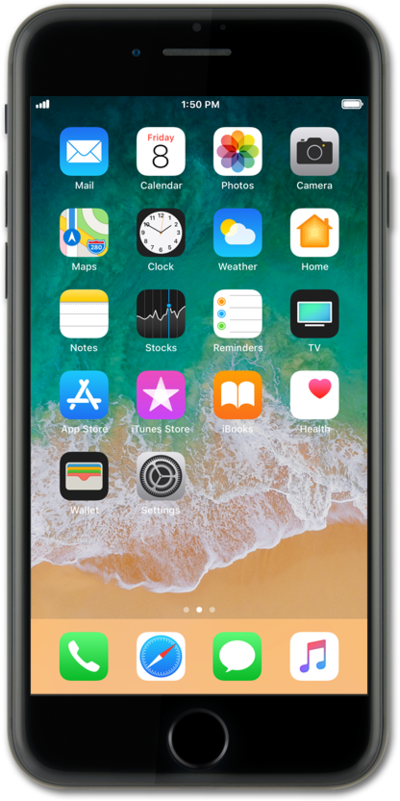
What would you like to learn about your device?
Trending iPhone 7 topics
Accessing mobile network settings
When traveling internationally, your device settings may require an update to conserve data and minimize unwanted fees. Learn how to change roaming settings on your device ahead of your next international trip, including how to enable and disable roaming. Also learn how to view the status of your Wi-Fi Pod's Internet connection.
ExploreActivating Wi-Fi calling
You can use Wi-Fi calling to make and receive calls in areas with limited or no cellular connectivity. If this option is not present on your device, or cannot be enabled, your carrier's network or your specific cellular plan might not support this feature.
ExploreTurning on Wi-Fi calling
Wi-Fi calling may help to improve your call quality if you are in an area with poor cellular reception.
Explore