Apple iPhone 8 Plus Device Help & How-To Guides
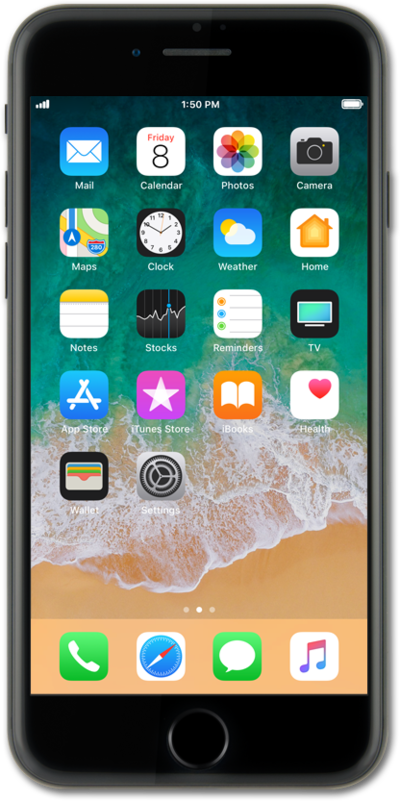
What would you like to learn about your device?
Trending iPhone 8 Plus topics
Activating Wi-Fi calling
You can use Wi-Fi calling to make and receive calls in areas with limited or no cellular connectivity. If this option is not present on your device, or cannot be enabled, your carrier's network or your specific cellular plan might not support this feature.
ExploreFinding your IMEI/Device ID
Discover where to find your devices IMEI in the settings section of your device. In some instances, your IMEI number is also your Device ID number.
ExploreSetting Up an iPhone with Quick Start and a Nano SIM Card
To use the Quick Start feature, which allows you to transfer data to a new iPhone or iPad, make sure your current device is nearby, powered on, and connected to Wi-Fi.
ExploreDownloading an app
You can download an app or widget onto your device from your device's app store application. Once downloaded onto your device, you will be able to use that application or widget.
Explore