Samsung Galaxy A16 5G Device Help & How-To Guides
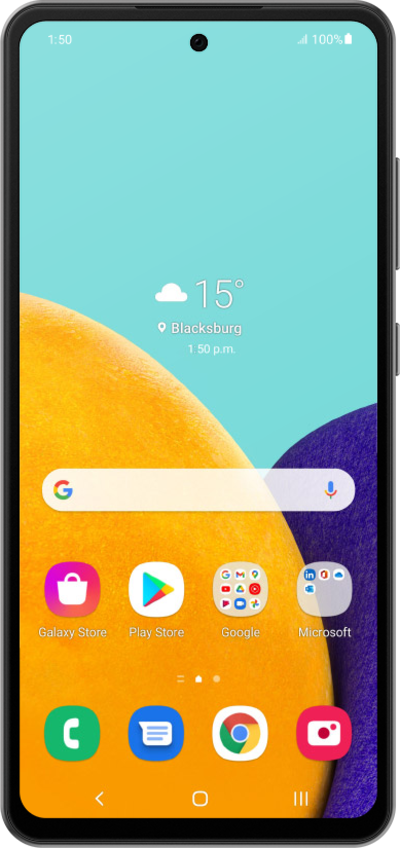
What would you like to learn about your device?
Trending Galaxy A16 5G topics
Setting up an eSIM with a push notification after device setup
This tutorial walks you through the process of setting up an eSIM on your device using a push notification sent by your carrier. This guide shows you how to accept the notification, download the eSIM profile, and activate your mobile service quickly and securely—without scanning a QR code or manually entering details.
ExploreAutomatically switching mobile data between two SIMs
This feature will allow you to automatically switch between mobile networks in order to maintain the best coverage and connectivity possible.
ExploreResetting network settings
If you are having trouble connecting to the Internet you may need to reset your network connections. Resetting your network connections will disconnect any Bluetooth devices connected to your device and disconnect your device from any Wi-Fi networks it is connected to.
ExploreSetting up Voicemail
Learn how to set up Voicemail so that you can store messages from calls you missed. If your Voicemail Icon does not appear try restarting your phone.
Explore