Apple iPhone Duo Device Help & How-To Guides
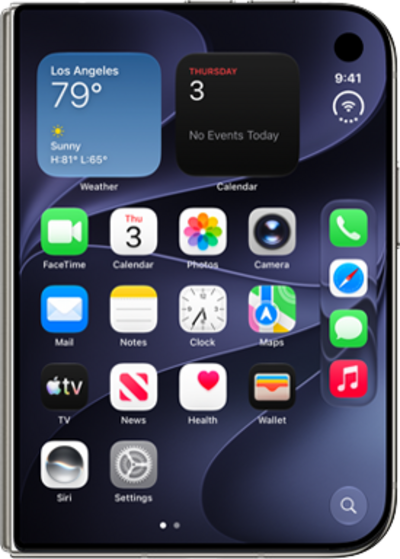
What would you like to learn about your device?
Trending iPhone Duo topics
Setting up a pending eSIM notification (device already set up)
This tutorial walks you through the process of setting up an eSIM on your device using a push notification sent by your carrier. This guide shows you how to accept the notification, download the eSIM profile, and activate your mobile service quickly and securely—without scanning a QR code or manually entering details.
ExploreSetting up a Dual SIM from an eSIM notification
Adding a secondary eSIM alongside a physical SIM or eSIM allows you to quickly switch between two cellular plans and/or carriers for voice or data.
ExploreSigning in and out of your Apple ID
Sign into your Apple ID on your device to restore your personal data stored in the iCloud. You will need an Apple ID to access certain features like the App Store.
ExplorePerforming a factory reset
A factory reset will erase all data from your device and is irreversible. This is good to do if you are going to trade in or sell your device. It will wipe all of your personal information from the device.
Explore