Apple Watch Ultra 4 Device Help & How-To Guides
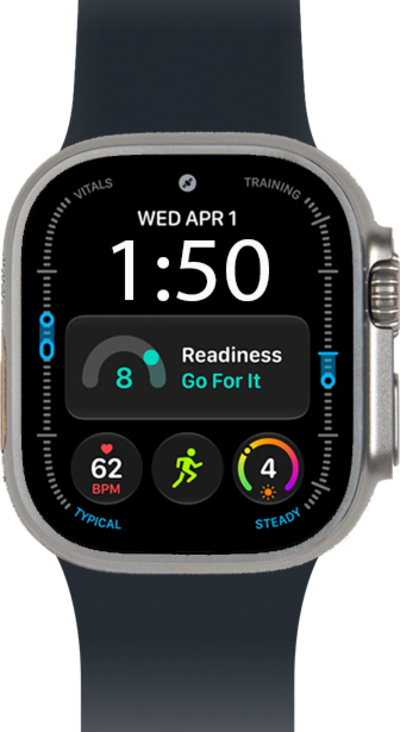
What would you like to learn about your device?
Trending Watch Ultra 4 topics
Connecting your Watch to a cellular network
In order to connect your watch to your carrier's network, you need to set up a cellular connection on your device. Some carriers may require you to enter an APN to connect to their network.
ExploreSetting Up Your Watch for the First Time
Follow along to set up and activate your Watch for the first time (or after a factory reset). After these few steps, you'll be able to begin using your Watch. If your watch is unable to pair reset it and attempt to pair again.
ExploreUnpairing your Apple Watch
Use these steps below to learn the easy process of unpairing your watch. After your watch is unpaired, you can immediately repair or pair a new watch.
ExploreRestoring your watch from a backup
Restoring your new watch from a backup is a great set up option as it allows you to transfer most of all the data and settings that were stored on your previous watch to your new watch. Use these steps to familiarize yourself with the simple process of restoring your watch from a backup.
Explore