Google Pixel 6a Device Help & How-To Guides
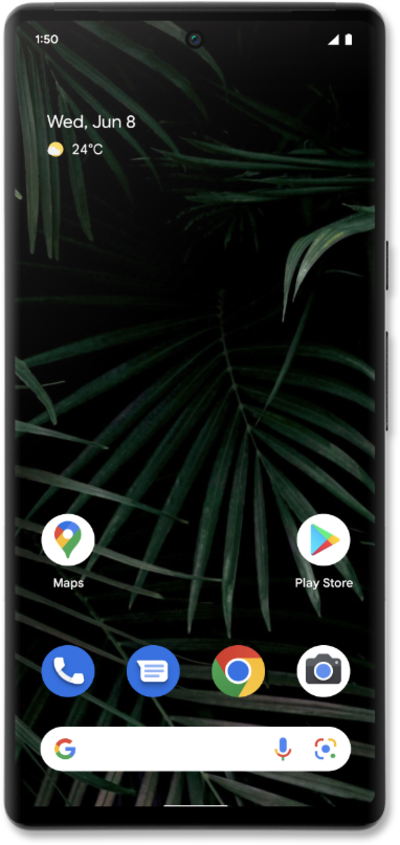
What would you like to learn about your device?
Trending Pixel 6a topics
Setting up your second cellular plan with eSIM
Adding a secondary eSIM alongside a physical SIM or eSIM allows you to quickly switch between two cellular plans and/or carriers for voice or data.
ExploreTurning Wi-Fi Hotspot on or off
Set up your device as a Mobile Hotspot so you can share your data connection with other devices. Your device will create a Wi-Fi hotspot with its data connection. Other devices will be able to connect to the Wi-Fi hotspot.
ExploreSetting up a pending eSIM notification (device already set up)
This tutorial walks you through the process of setting up an eSIM on your device using a push notification sent by your carrier. This guide shows you how to accept the notification, download the eSIM profile, and activate your mobile service quickly and securely—without scanning a QR code or manually entering details.
Explore