Motorola Moto G Play (2024) Device Help & How-To Guides
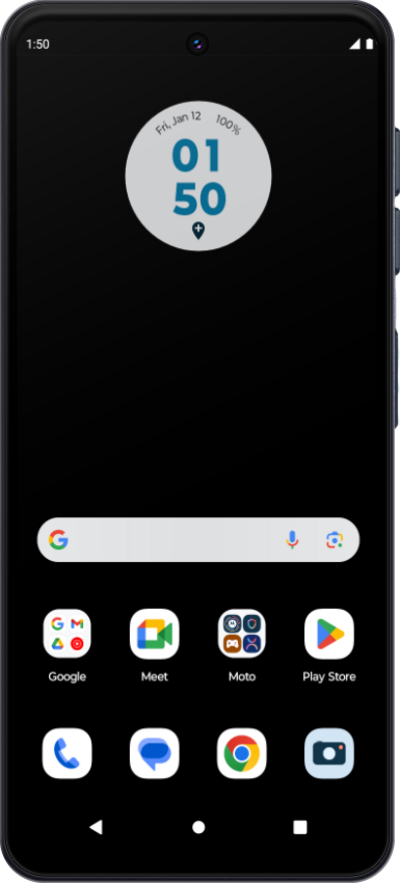
What would you like to learn about your device?
Trending Moto G Play (2024) topics
Setting up an eSIM using a QR Code or Activation Code
This tutorial guides you through the process of activating and setting up an eSIM on your smartphone using a QR code after the initial device setup has been completed. Whether you skipped eSIM activation during the initial setup or are switching carriers, this step-by-step guide will cover scanning your carrier-provided QR code and properly activating your eSIM.
ExploreFinding your device's IMEI number
Discover where to find your device's IMEI. In some instances, your IMEI number is also your Device ID number.
ExploreResetting network settings
If you are having trouble making/receiving calls or connecting to the Internet you may need to reset your network connections. Resetting your network connections will disconnect any Bluetooth devices connected to your device and disconnect your device from any Wi-Fi networks it is connected to.
ExploreInserting and removing the Nano SIM card
Follow along to learn how to insert and remove a SIM card from your device. Since your cellular service is activated through your SIM card, simply ejecting it and reinserting it may help resolve minor network and connectivity related issues.
Explore