Motorola moto g stylus 5G (2022) Device Help & How-To Guides
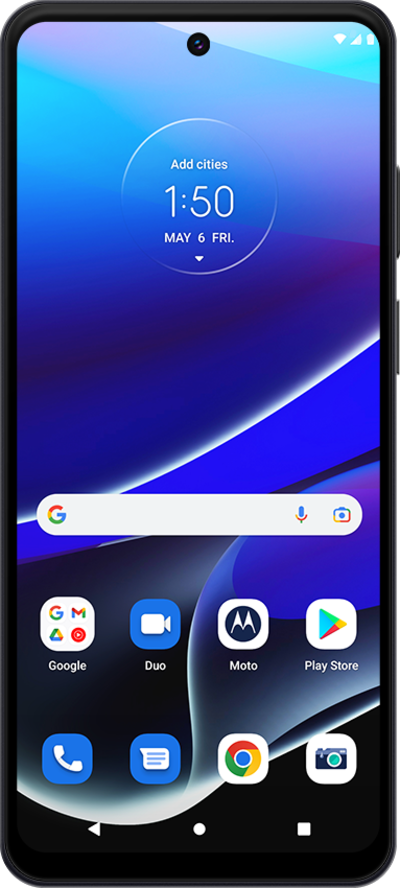
What would you like to learn about your device?
Trending moto g stylus 5G (2022) topics
Inserting and removing the nano SIM card
Learn how to insert, remove, and replace a SIM card in your device.
ExploreResetting your Google Account password
You can change your password if you have forgotten your password or have another reason to change it. Using a strong password can help keep your account information safe. Using at least eight characters and adding capitalization and symbols can help strengthen your password.
ExploreAdjusting RTT/TTY calling settings with Android Accessibility
Learn how to adjust your RTT/TTY calling settings. This feature allows you to communicate effectively over the phone if you are having hearing or speech difficulties.
ExploreVerifying your email account settings are accurate
If you are having trouble sending and receiving email, your account settings including your mail servers may need to be verified.
Explore