Motorola Moto G Stylus 5G (2024) Device Help & How-To Guides
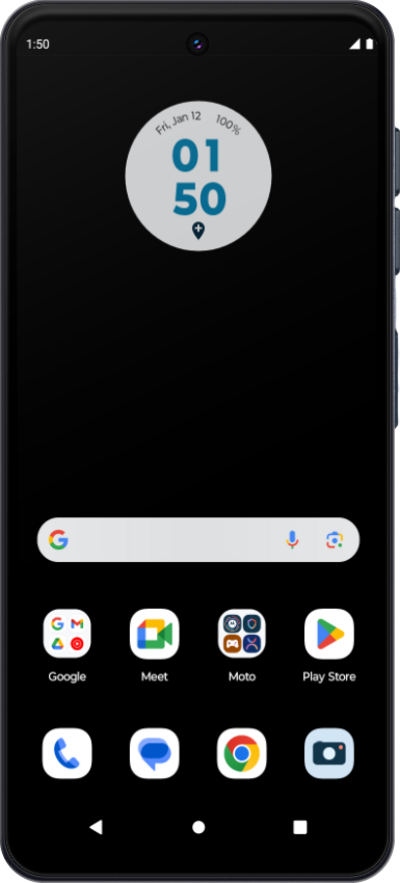
What would you like to learn about your device?
Trending Moto G Stylus 5G (2024) topics
Setting up Call Forwarding
Set up call forwarding on your device to have incoming calls routed to another number. Depending on your device you may be able to route calls differently based on whether your line is busy or not.
ExploreResetting network settings
If you are having trouble connecting to the Internet you may need to reset your network connections. Resetting your network connections will disconnect any Bluetooth devices connected to your device and disconnect your device from any Wi-Fi networks it is connected to.
ExploreChanging roaming settings for a trip
When traveling internationally, you may want to turn data roaming on and off to conserve data and minimize unwanted fees.
Explore