Motorola Motorola Edge 2025 Device Help & How-To Guides
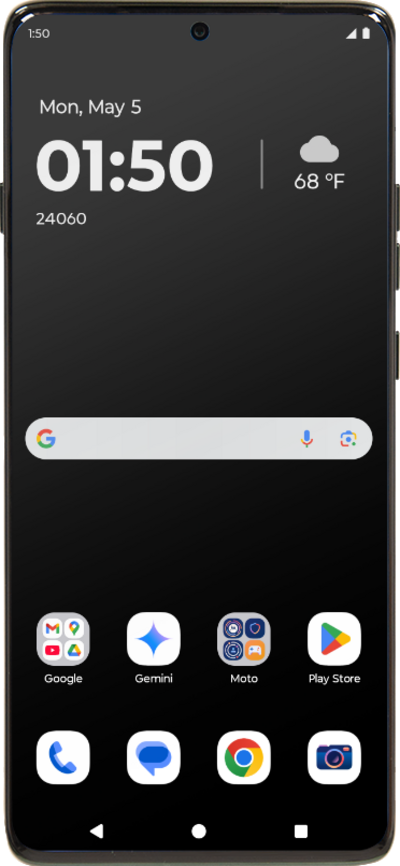
What would you like to learn about your device?
Trending Motorola Edge 2025 topics
Blocking and unblocking a contact
If you no longer want to receive text messages or phone calls from a contact, you can block their number on your device. This however does not prevent the contact from leaving voicemails.
ExploreEnabling Theft Detection Lock
Learn how to enable the theft detection lock feature. This feature attempts to detect if your device might have been stolen through various aspects such as multiple incorrect PIN attempts, etc.. The device will then lock to prevent access.
ExploreSetting up an eSIM with a push notification after device setup
This tutorial walks you through the process of setting up an eSIM on your device using a push notification sent by your carrier. This guide shows you how to accept the notification, download the eSIM profile, and activate your mobile service quickly and securely—without scanning a QR code or manually entering details.
ExploreSetting up mobile hotspot
Set up your device as a Mobile Hotspot so you can share your data connection with other devices. Your device will create a Wi-Fi hotspot with its data connection. Other devices will be able to connect to the Wi-Fi hotspot.
Explore