Samsung Galaxy A03s Device Help & How-To Guides
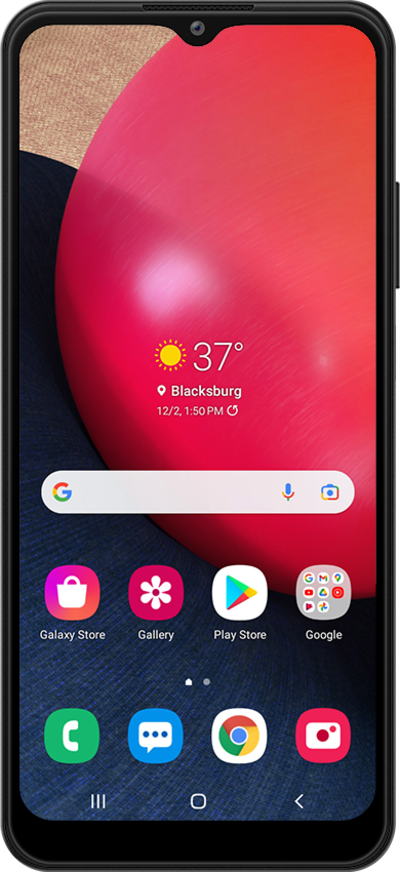
What would you like to learn about your device?
Trending Galaxy A03s topics
Setting up an eSIM on your phone
A guide to all the different ways you can set up an eSIM on your device.
ExploreFinding your device's IMEI number
Discover where to find your device's IMEI. In some instances, your IMEI number is also your Device ID number.
ExploreRestarting your phone
Learn how to turn your device off and back on again. Restarting your device is often the first step when troubleshooting a device issue.
ExploreActivating Wi-Fi calling
You can use Wi-Fi calling to make and receive calls in areas with limited or no cellular connectivity. If this option is not present on your device, or cannot be enabled, your carrier's network or your specific cellular plan might not support this feature.
Explore