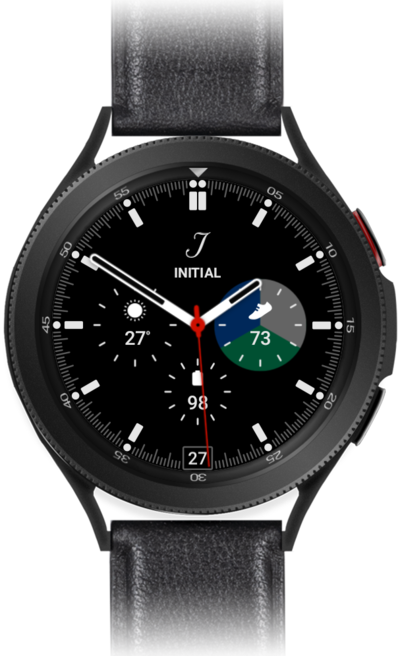
Samsung Galaxy Watch 4 Classic Device Help & How-To Guides

Samsung

Galaxy Watch 4 Classic

What would you like to learn about your device?

Trending Galaxy Watch 4 Classic topics

Finding your EID, IMEI, or ICCID number

Discover where to find your devices IMEI in the settings section of your device. In some instances, your IMEI number is also your Device ID number.
Explore

Setting up a Galaxy Watch for yourself

Follow along to set up and activate your Watch for the first time (or after a factory reset). After these few steps, you'll be able to begin using your Watch. If your watch is unable to pair reset it and attempt to pair again.
Explore

Browse device topics