Samsung Galaxy Watch 4 Device Help & How-To Guides
Samsung

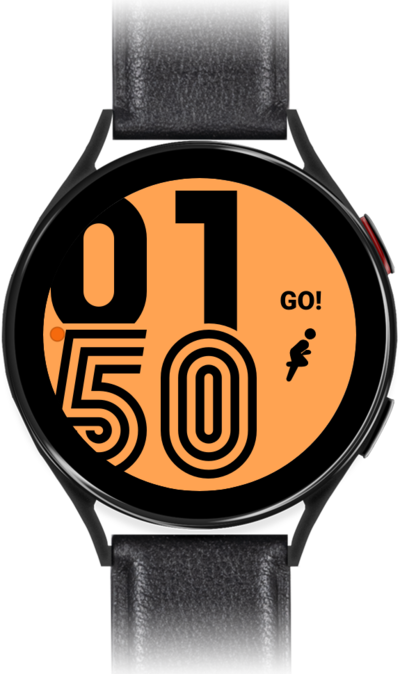
Galaxy Watch 4

What would you like to learn about your device?

Trending Galaxy Watch 4 topics

Pairing with a Bluetooth® device

Connect to other devices via Bluetooth to share media such as music or videos. Bluetooth devices can be anything from your stereo in your car to a keyboard to type on your mobile device with.
Explore

Connecting your watch to a cellular network

In order to connect your watch to your carrier's network, you need to set up a cellular connection on your device. Some carriers may require you to enter an APN to connect to their network.
Explore

Setting up a Galaxy Watch for yourself

Follow along to set up and activate your Watch for the first time (or after a factory reset). After these few steps, you'll be able to begin using your Watch. If your watch is unable to pair reset it and attempt to pair again.
Explore