Samsung Galaxy Z Flip8 Device Help & How-To Guides
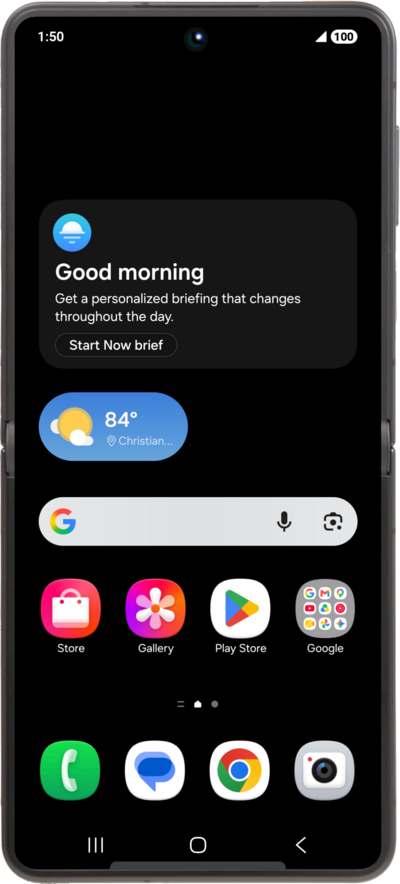
What would you like to learn about your device?
Trending Galaxy Z Flip8 topics
Setting up an eSIM using a QR Code or Activation Code
This tutorial guides you through the process of activating and setting up an eSIM on your smartphone using a QR code after the initial device setup has been completed. Whether you skipped eSIM activation during the initial setup or are switching carriers, this step-by-step guide will cover scanning your carrier-provided QR code and properly activating your eSIM.
ExploreBlocking and unblocking a contact
If you no longer want to receive text messages or phone calls from a contact, you can block their number on your device. This however does not prevent the contact from leaving voicemails.
ExploreResetting network settings
If you are having trouble connecting to the Internet you may need to reset your network connections. Resetting your network connections will disconnect any Bluetooth devices connected to your device and disconnect your device from any Wi-Fi networks it is connected to.
ExploreSyncing account contacts
Some accounts that you have on your device will allow you to sync contacts from the email address to your device.
Explore