Samsung Galaxy S22+ Device Help & How-To Guides
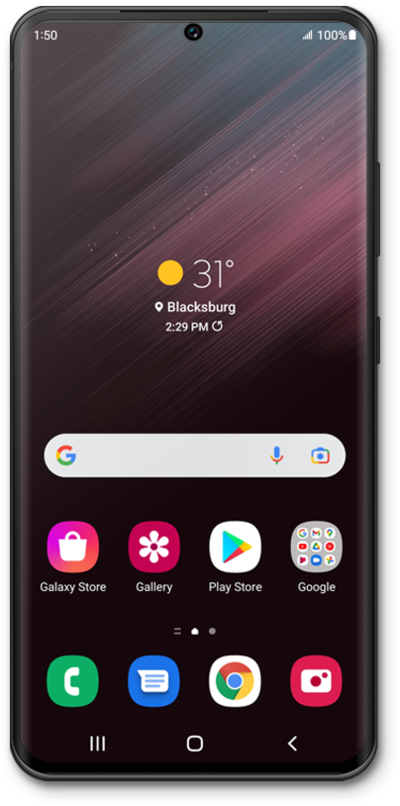
What would you like to learn about your device?
Trending Galaxy S22+ topics
Using Chat Assist
Whether you need a text message translated into a language you understand, suggestions on alternative writing styles, or ensuring your text message doesn’t have spelling or grammar mistakes, this tutorial is for you! Use these steps to learn how to take advantage of and use the Chat Assist features available within your messages app.
ExploreChanging Roaming Settings for a Trip
When traveling internationally, you may want to turn data roaming on and off to conserve data and minimize unwanted fees.
ExploreSetting up an eSIM using a QR Code or Activation Code
This tutorial guides you through the process of activating and setting up an eSIM on your smartphone using a QR code after the initial device setup has been completed. Whether you skipped eSIM activation during the initial setup or are switching carriers, this step-by-step guide will cover scanning your carrier-provided QR code and properly activating your eSIM.
ExploreConnecting to a Wi-Fi network
Stay connected. Follow this guide to scan for available networks and securely join your home Wi-Fi.
Explore