Changing the default Home screen
Galaxy Z Flip 5G
Changing the default Home screen
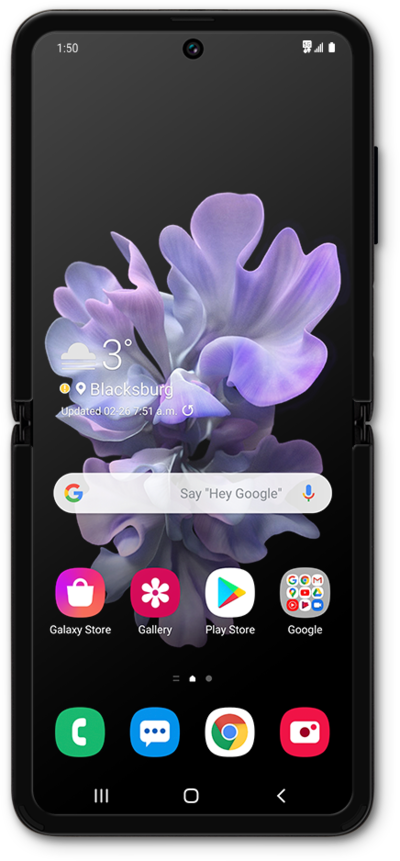
You can change the default home screen on your device. Your default home screen is the main home screen that your device loads when it first starts up or when you press the Home button while on the home screen.
1.
From the Home screen, place two fingers on the screen and pinch in.
2.
Swipe to the Home screen you'd like to designate as the main Home screen.
3.
Tap the Main home screen icon.
4.
Tap the Home icon to see your changes.
5.
You've completed the steps!
