Setting up mobile hotspot
Setting up mobile hotspot
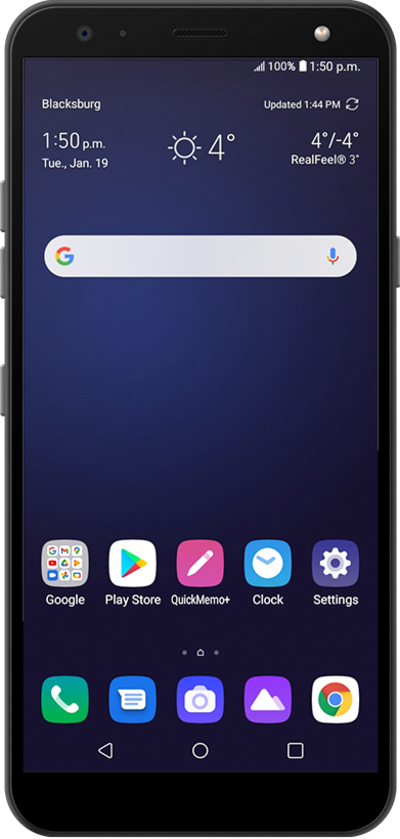
Set up your device as a Mobile Hotspot so you can share your data connection with other devices. Your device will create a Wi-Fi hotspot with its data connection. Other devices will be able to connect to the Wi-Fi hotspot.
1.
From the Home screen, drag down the Notification panel.
2.
Drag down the Quick settings panel.
3.
Touch and hold the Hotspot icon.
4.
Tap or slide the Wi-Fi hotspot switch to ON.
5.
Tap Turn on.
If necessary, tap OK to turn off Wi-Fi.
6.
Tap Set up Wi-Fi hotspot.
The configure screen lets you choose the type of security you want. You can also find your device password here.
7.
Tap the Security dropdown.
8.
Select your preferred security type.
9.
Tap the Password field.
10.
Enter your new password.
11.
Tap Save.
12.
You've completed the steps!
