Taking a picture
DuraForce Pro 2
Taking a picture
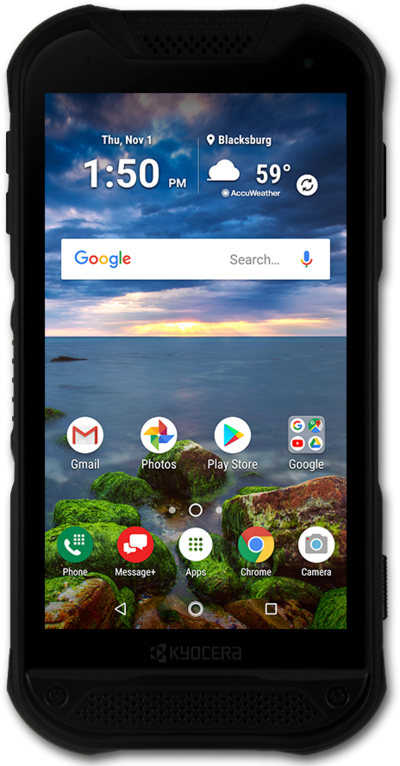
Pictures taken with your device will be saved in a gallery or photos app. You can adjust the settings of your device's camera before taking the picture.
1.
From any screen, press and hold the Camera button.
You can also access the Camera from the Lock screen by dragging the Swipe to start beacon towards the Camera icon.
2.
Tap the Shutter icon to take a picture.
3.
You've completed the steps!
