Accessing the camera from the Lock screen
DuraForce Pro 2
Accessing the camera from the Lock screen
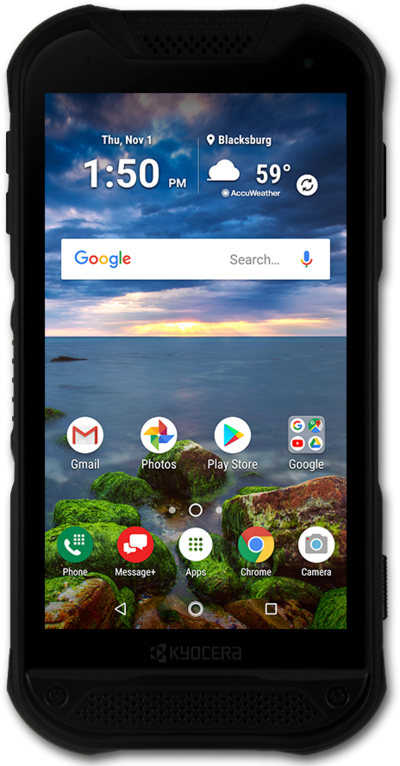
You can get to your device's camera app from the lock screen using the lock screen shortcut for camera. This allows you to take a picture without unlocking your device.
1.
From the Lock screen, touch and hold the Swipe to start beacon.
2.
Drag the Swipe to start beacon towards the Camera icon.
3.
Tap the Shutter icon to take a picture.
4.
You've completed the steps!
