Ensuring your device isn’t in Airplane mode
Galaxy S24
Ensuring your device isn’t in Airplane mode
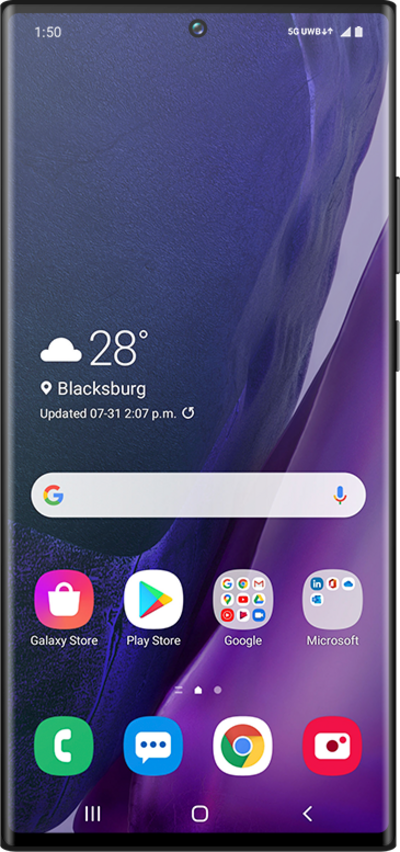
Airplane mode turns off cellular, Wi-Fi, and Bluetooth connections. (Note: You can manually turn Wi-Fi or Bluetooth back on while airplane mode is active.)
1.
Check to see if there is an airplane icon in the status bar. If you don’t see the airplane icon and instead see signal bars, you are not in flight mode. Please use the next solution.
2.
If you see an airplane icon, turn off flight mode by first tapping Connections from the settings screen.
3.
Tap or slide the Flight mode switch to OFF.
You can also turn Airplane mode on and off through the Notification panel. In some locales, Airplane mode may instead be called Flight mode on your device.
4.
You've completed the steps!
