Turning on personal hotspot
iPad Air 2
Turning on personal hotspot
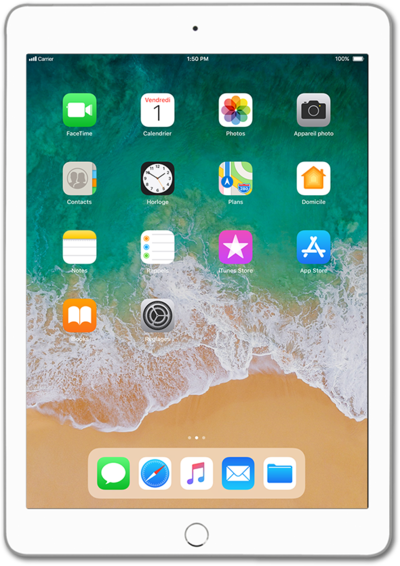
Enabling Personal Hotspot on your device allows you to share your cellular connection with other devices through Wi-Fi. Follow along with this tutorial to learn how to enable your Personal Hotspot.
1.
From the Home screen, tap Settings.
2.
Tap Personal Hotspot.
3.
Tap or slide the Personal Hotspot switch to ON.
Due to power usage, we recommend plugging your device in while using Personal Hotspot.
4.
You've completed the steps!
