Setting the password on personal hotspot
iPad Air 2
Setting the password on personal hotspot
Change your hot spot password to be easier to share with others. Make sure you still follow basic password security standards such as including capital letters, numbers, or symbols.
1.
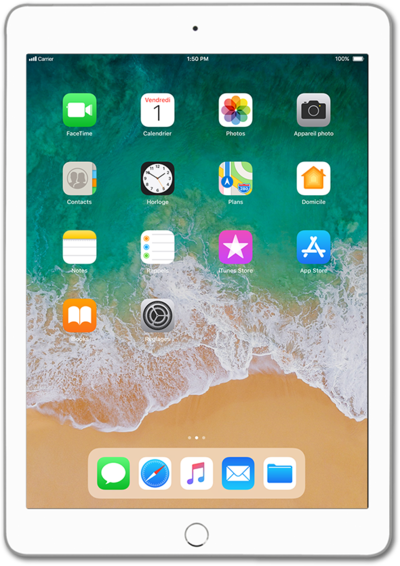
From the Home screen, tap Settings.
2.
Tap Personal Hotspot.
3.
Tap Wi-Fi Password.
4.
Tap the X icon.
5.
Enter your new hotspot password.
6.
Tap Done.
7.
You've completed the steps!
