Turning off Wrist Detection
Watch Series 3
Turning off Wrist Detection
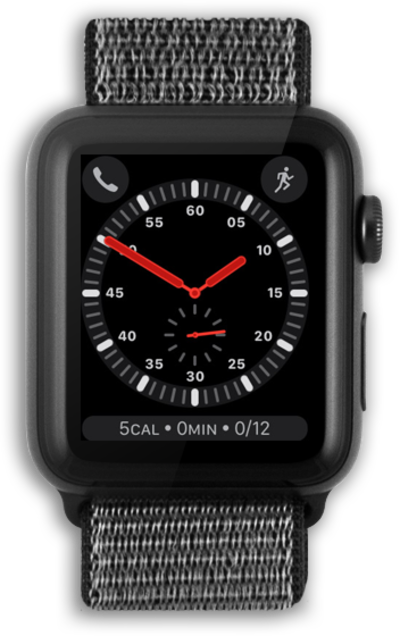
Discover how to turn off wrist detection on your smart watch. If you're using a passcode, wrist detection locks your watch when you're not wearing it, so your information stays secure.
1.
From Settings, turn the Digital Crown to scroll to Passcode.
2.
Tap Passcode.
3.
Turn the Digital Crown to scroll to Wrist Detection.
4.
Tap the Wrist Detection switch.
If you have a passcode set up, enter your passcode on the next screen.
5.
Turn the Digital Crown to scroll to Turn Off.
6.
Tap Turn Off.
7.
You've completed the steps!
