Using screen magnification
Moto G Power 2021
Using screen magnification
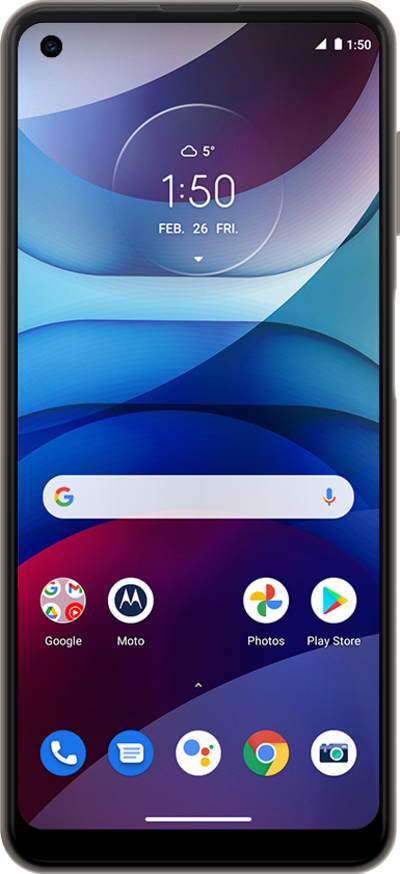
Use the magnification box to enlarge certain parts of your screen. This option can be toggled on or off in your accessibility settings.
1.
From the Home screen, swipe up to view Apps.
2.
Scroll to Settings.
3.
Tap Settings.
4.
Scroll to Accessibility.
5.
Tap Accessibility.
6.
Scroll to Magnification.
7.
Tap Magnification.
8.
Tap or slide the Magnification shortcut toggle switch to ON.
For this tutorial, we are demonstrating how to use magnification with a triple-tap. You can also use an accessiblity button but steps may vary based on what you choose.
9.
Tap Got it.
10.
Swipe up with two fingers from the bottom of the screen to start magnification.
11.
Tap on an area of the screen you wish to zoom in on.
12.
Swipe up with two fingers from the bottom of the screen to stop magnification.
13.
Tap or slide the Magnification shortcut toggle switch to OFF.
14.
You've completed the steps!
