Using accessibility shortcuts
Moto G Power 2021
Using accessibility shortcuts
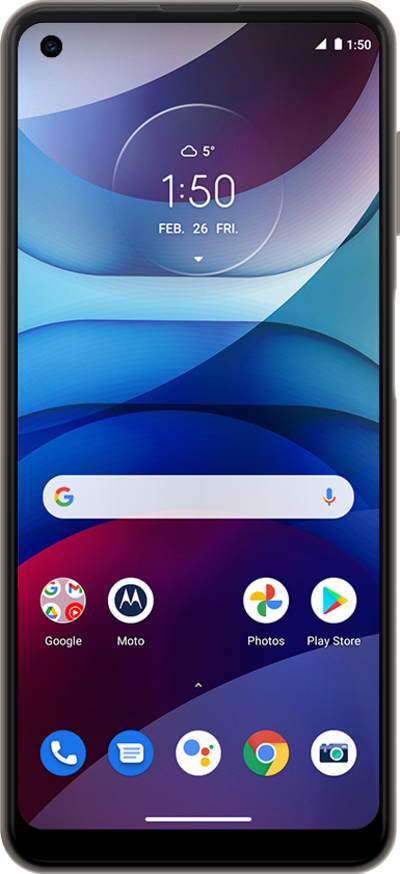
Accessibility shortcuts allow you to have direct access to certain device functions from the shortcut option. These can include swiping actions or button actions.
1.
From the Home screen, swipe up to view Apps.
2.
Scroll to Settings.
3.
Tap Settings.
4.
Scroll to Accessibility.
5.
Tap Accessibility.
6.
Tap Select to Speak.
7.
Tap Select to Speak shortcut.
Make sure the Select to Speak shortcut toggle switch is set to ON.
8.
Select your preferred shortcut.
9.
Tap Save.
10.
Swipe from the left or right edge of the screen to go back.
11.
Tap TalkBack.
From this screen, you can set shortcuts for other accessibility features.
12.
Tap TalkBack shortcut.
13.
Select your preferred shortcut.
14.
Tap Save.
15.
You've completed the steps!
