Using handsfree calling
Galaxy A13 5G
Using handsfree calling
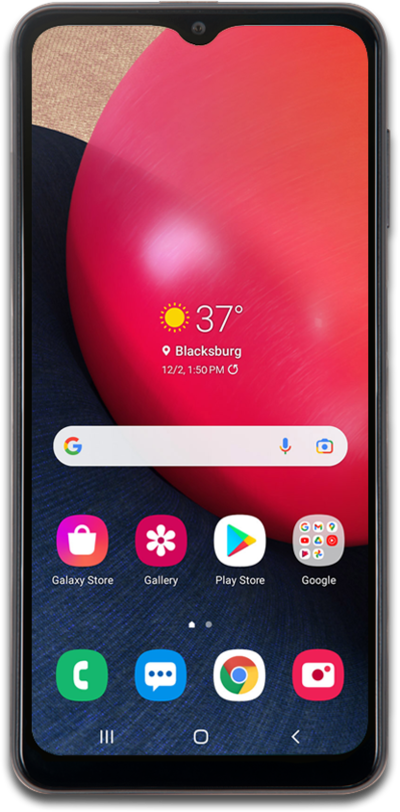
Using the Google voice assistant widget, you can ask your device to call a contact or phone number for you. The Google voice assistant allows you to use your device hands free.
1.
From the Home screen, tap the Assistant icon in the Google search widget.
If prompted, read any Terms of Service disclaimers and tap Accept if you agree. Then, follow the onscreen prompts.
2.
Speak "Call" followed by a contact's name or a phone number.
If your request is understood, the phone will automatically place your call.
3.
You've completed the steps!
