Setting Up Moto Actions
Moto G Stylus 2023
Setting Up Moto Actions
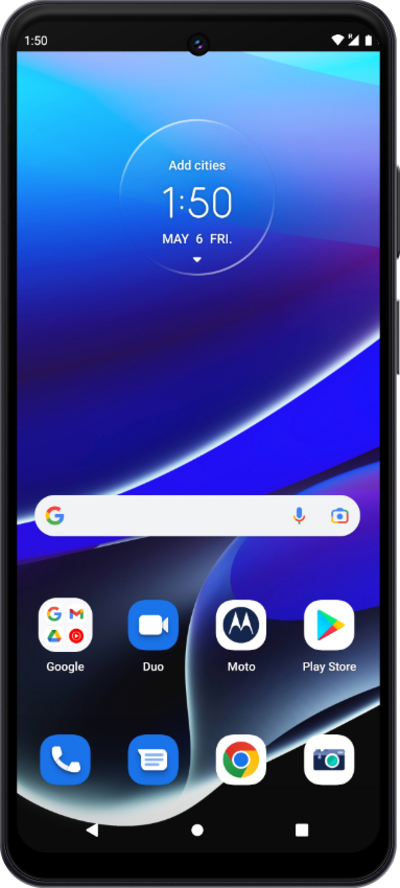
You can turn on Moto Actions to give you access to shortcuts for using your device. For example you can turn the flashlight on or off using a predefined motion.
1.
From the Moto app, tap the Navigation icon.
If necessary, follow the prompts on the next page.
2.
Tap Gestures.
3.
Scroll to Pick up to silence.
4.
Tap Pick up to silence.
5.
Tap or slide the Use Pick up to silence switch to On.
Tap Try it out to learn more about this feature.
6.
You've completed the steps!
